03-27 Billing Error Correction: Claims & Address Update
4 min
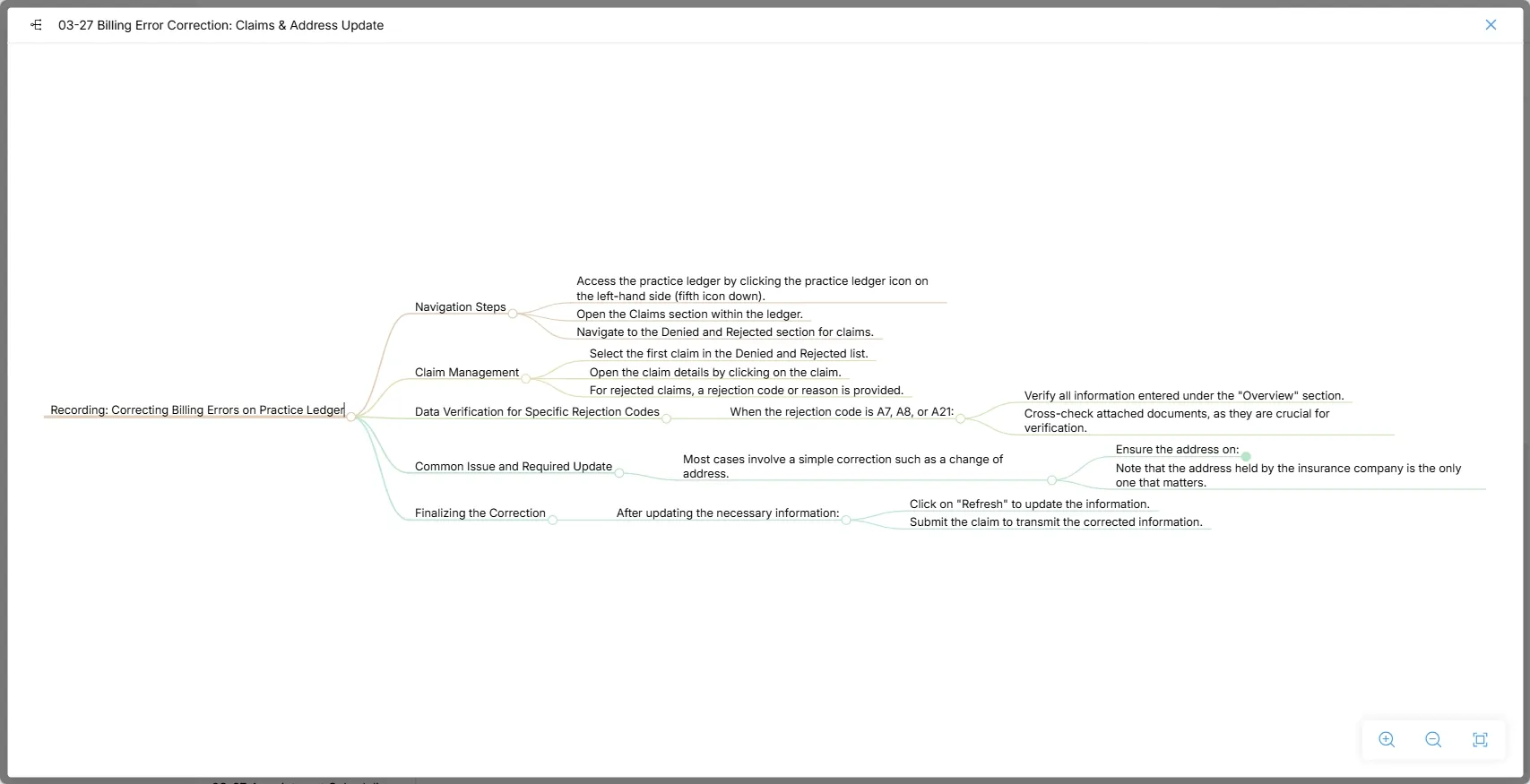
Recording: Correcting Billing Errors on Practice Ledger
Navigation Steps
- Access the practice ledger by clicking the practice ledger icon on the left-hand side (fifth icon down).
- Open the Claims section within the ledger.
- Navigate to the Denied and Rejected section for claims.
Claim Management
- Select the first claim in the Denied and Rejected list.
- Open the claim details by clicking on the claim.
- For rejected claims, a rejection code or reason is provided.
Data Verification for Specific Rejection Codes
- When the rejection code is A7, A8, or A21:
- Verify all information entered under the "Overview" section.
- Cross-check attached documents, as they are crucial for verification.
Common Issue and Required Update
- Most cases involve a simple correction such as a change of address.
- Ensure the address on:
- Driver's license.
- Insurance benefits.
- Overview section.
- Note that the address held by the insurance company is the only one that matters.
Finalizing the Correction
- After updating the necessary information:
- Click on "Refresh" to update the information.
- Submit the claim to transmit the corrected information.